OLD GUN Tutorial ( Modeling, Texturing, Lighting )
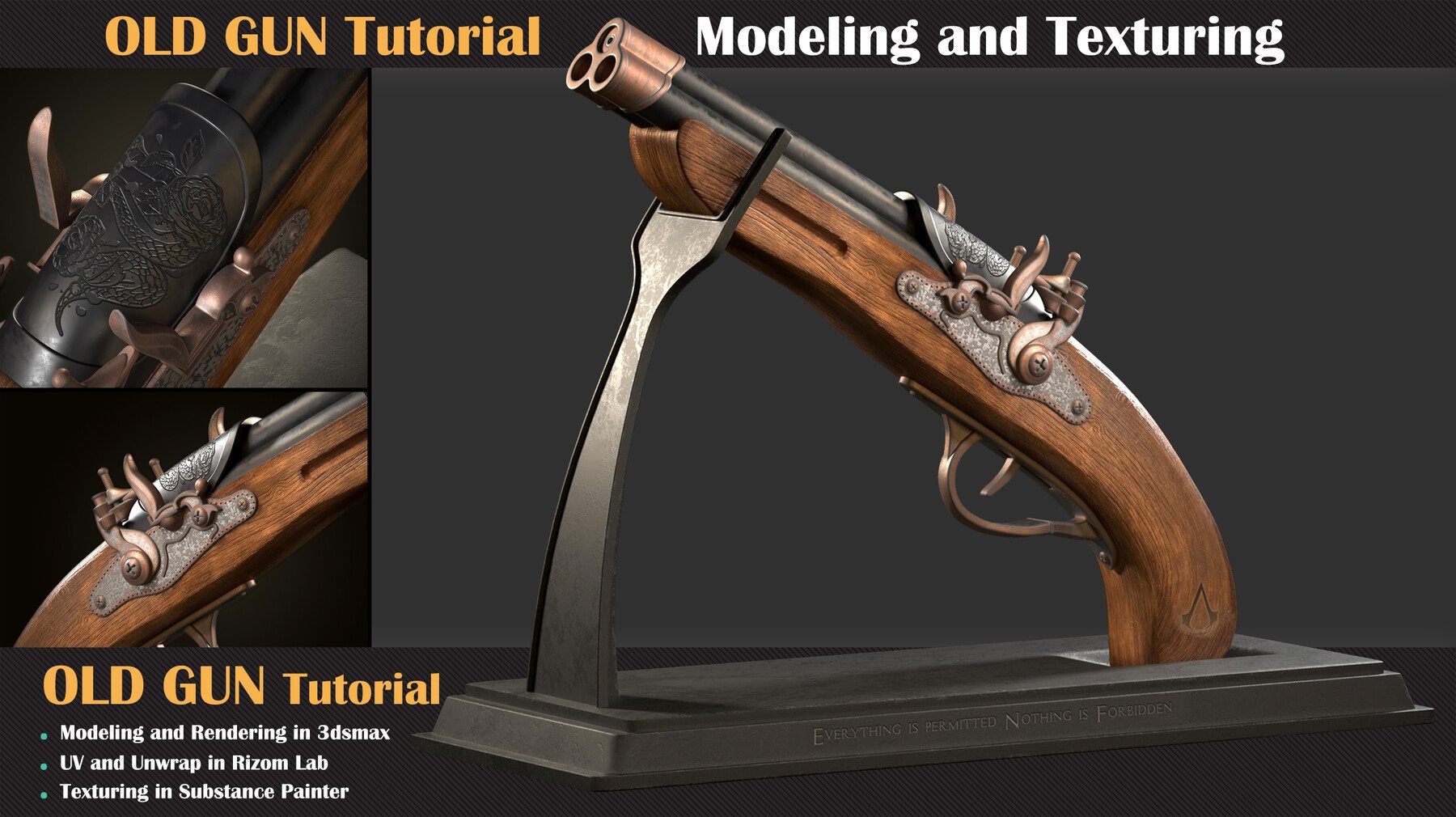

Includes:
- 21 Full HD Video Files
- Duration: 8hrs 17 min video MP4 format with full audio commentary in English
The project file includes :
- Essential reference images
- VRay and Corona Files
Overview:
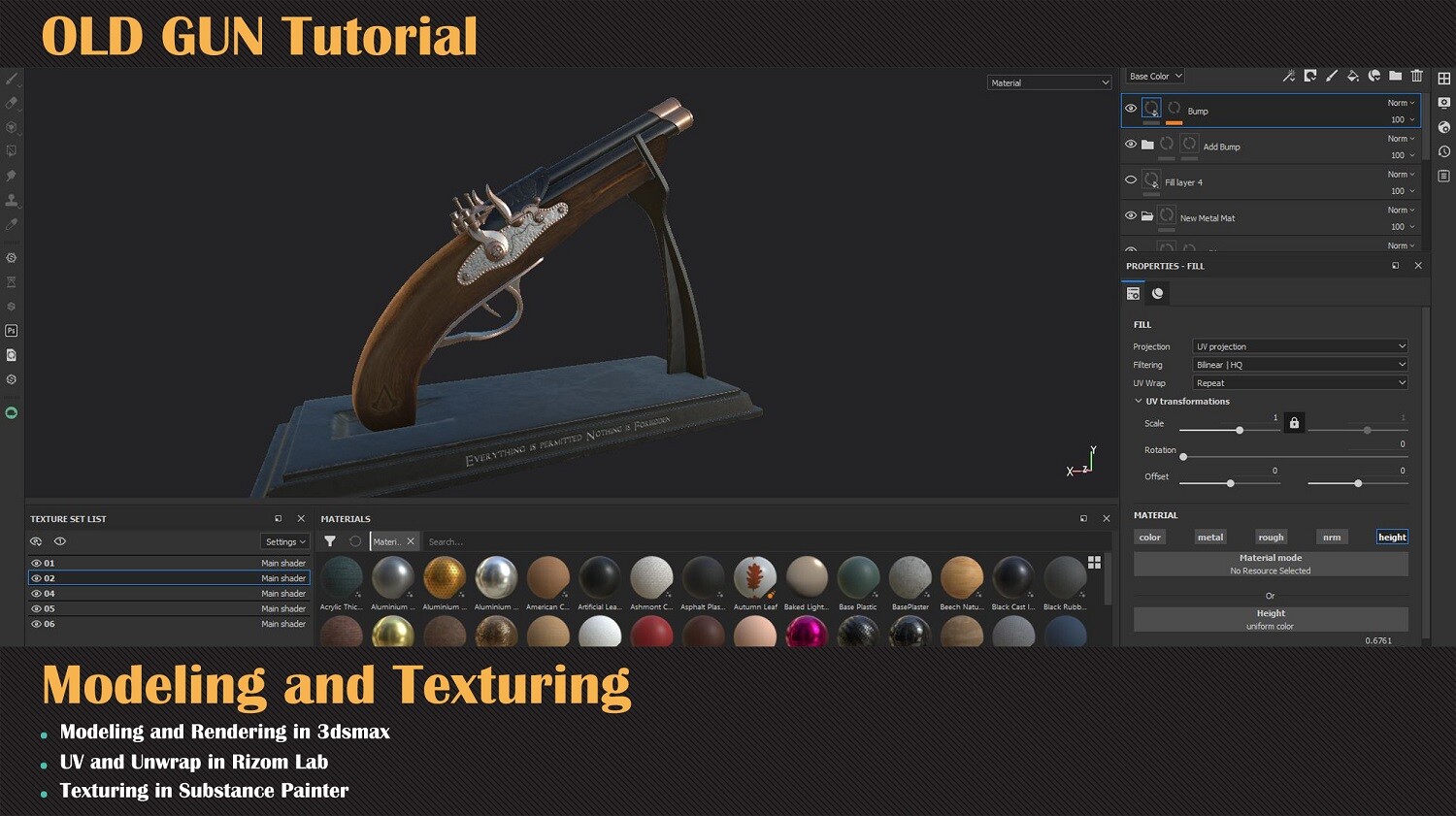
In this tutorial, you will learn how to model an antique gun from scratch, start with standard poly and hard surface modeling techniques to texturing and even lighting setup/tips for the final presentation. Notice although this course primarily focuses on 3ds Max, it is demonstrated as such to easily apply the same principles to any other digital creation tools like Maya.
Who is this course for?
This course is created for Junior level users who want to jump and experience a more complex project and see the complete production of a high poly asset.
Course requirements:
Basic knowledge of 3ds Max's interface and shortcuts or any other DCC tools of choice
Basic knowledge of unwrapping/unfold 3d interface and shortcuts
Basic knowledge of Substance painter and texturing
Required skill level: Intermediate
List of content:
1-Modeling
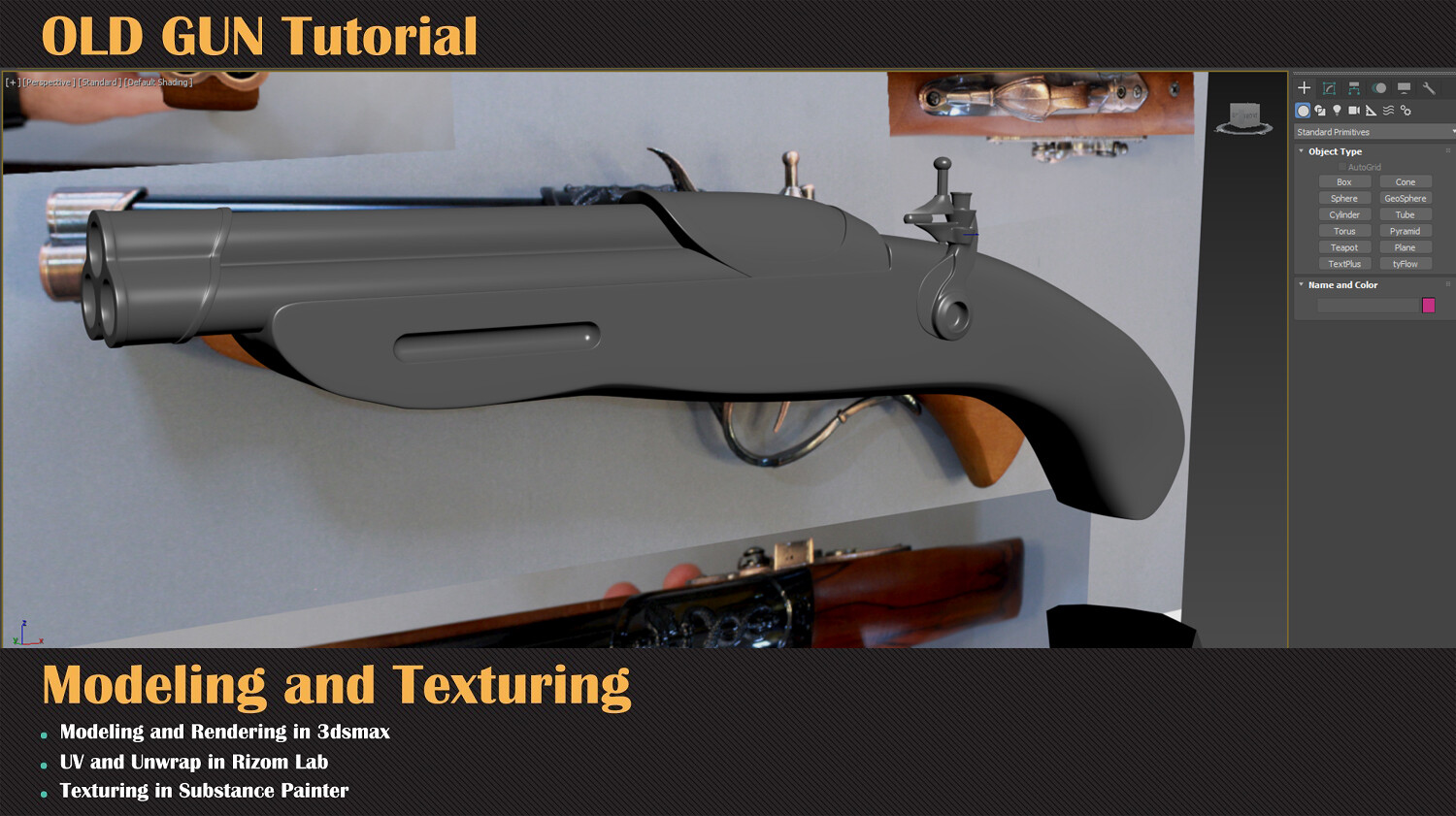
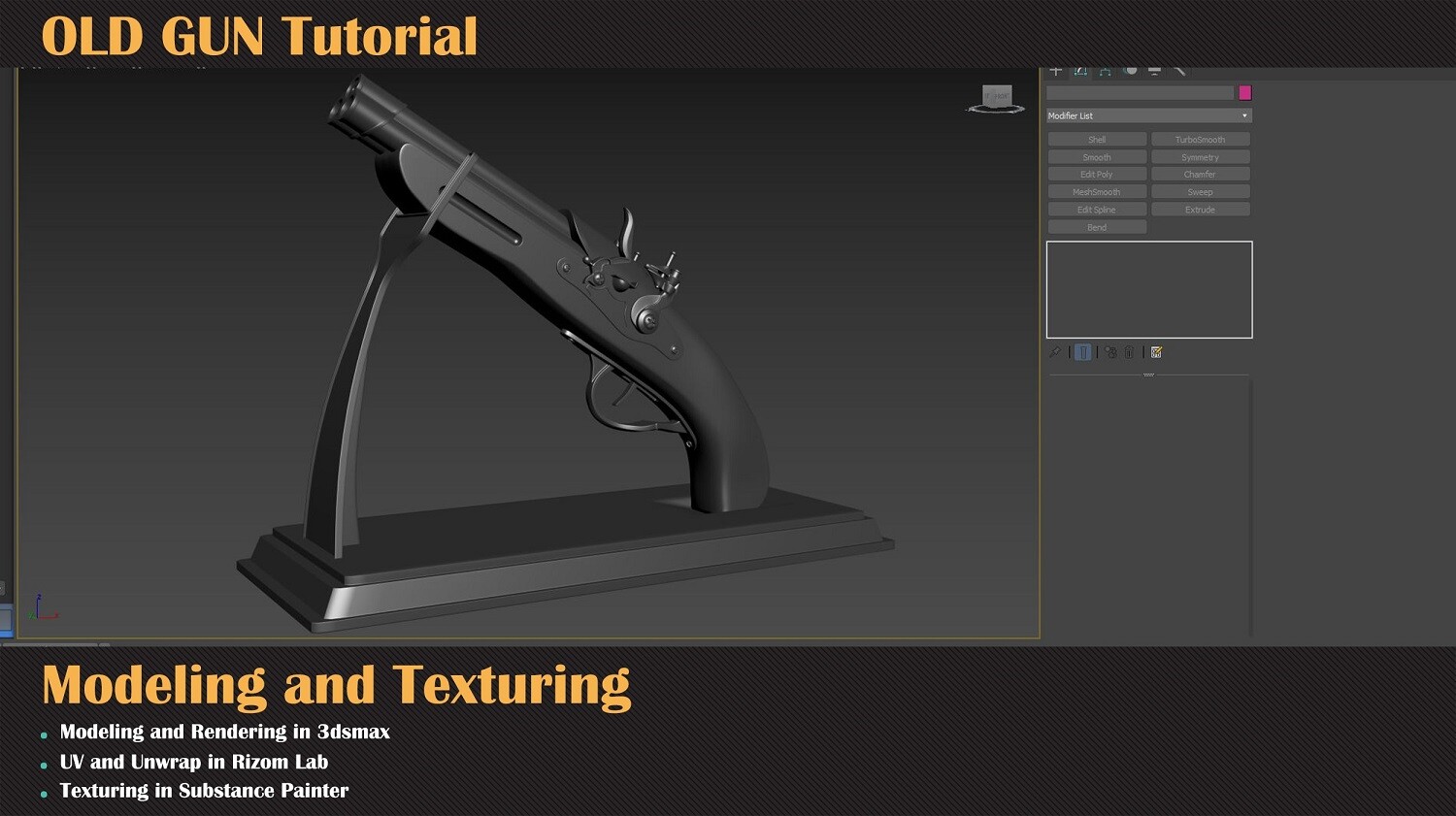
In this phase, you will see the best way to approach models that contain different components, how to effectively use reference images to build up the base mesh and get an overall shape of our model.
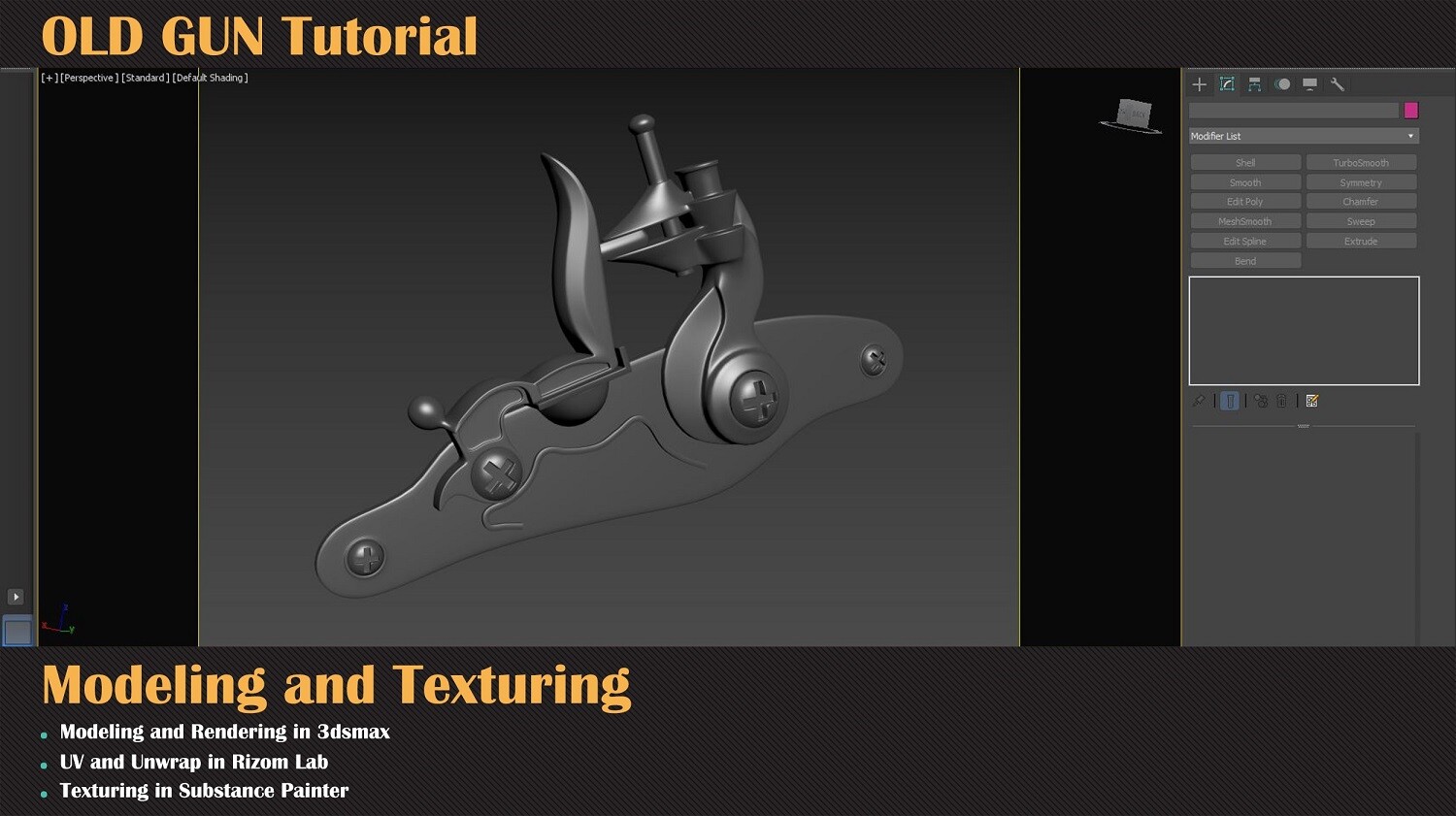
In the later stages of modeling, you will be presented tips and tricks to successfully add finer details to the model and fix numerous topology issues. This is a very effective exercise to develop good habits in hard surface modeling as you see repeatedly what common problems during this process will be and hear which solutions you have to use to fix them.
2-Unwrapping
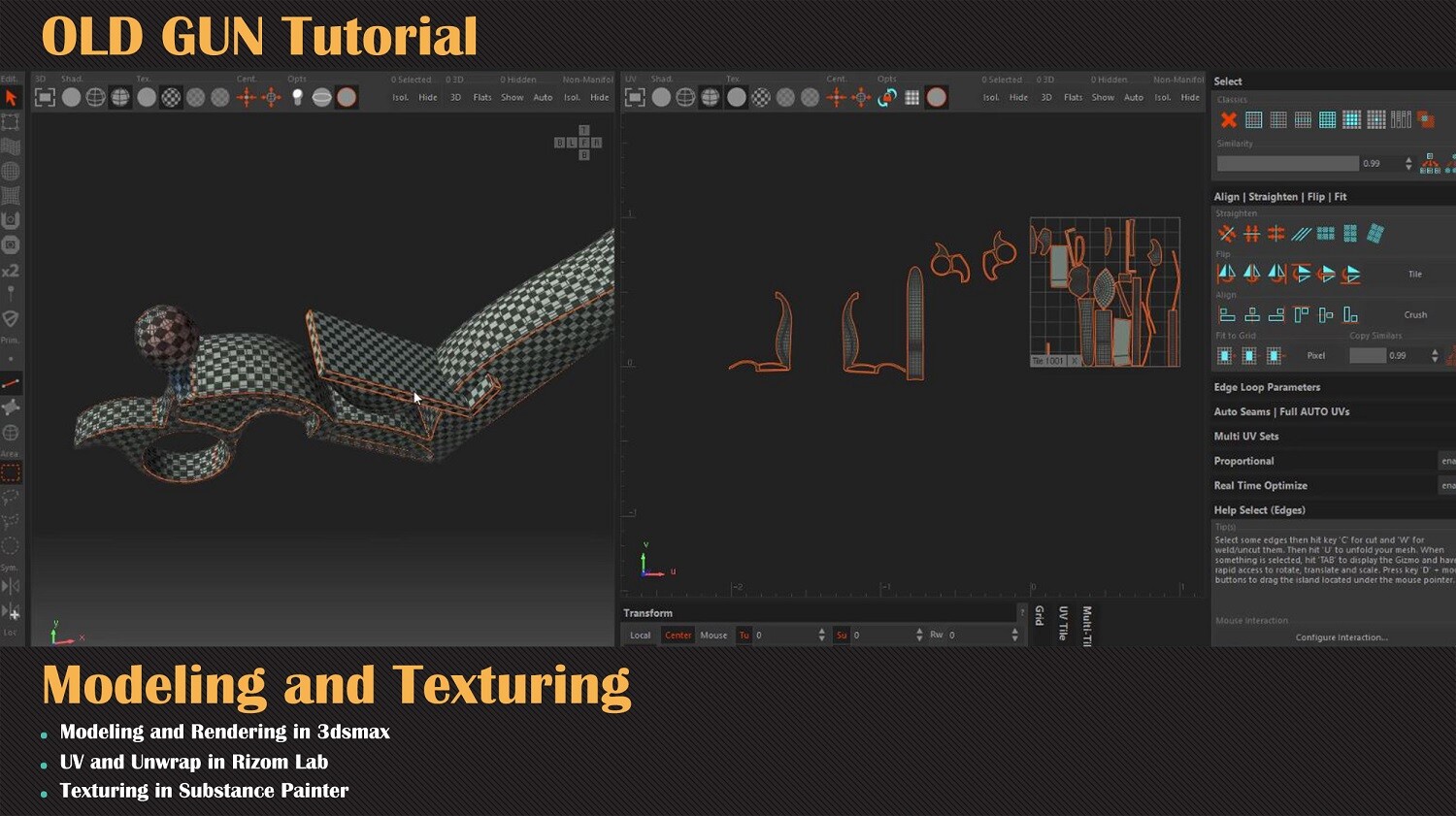
For this part, you will see how to properly import different components into Unfold 3d and how to fully unwrap our model importing back to 3ds Max. Sometimes the key to utilize the modeling process is to establish a solid workflow and you will learn how to make use of 3ds Max’s tools to manage the different versions of your components.
Finally, in this part you will also learn how to correctly prepare your model to transition successfully to Substance Painter for the texturing part.
3-Texturing
In the third part, you will see how to fully texture our model, create a new custom material, use and mix materials from our library, properly work on passes, use alpha textures to add finer engravings and get a realistic result.
4-Render
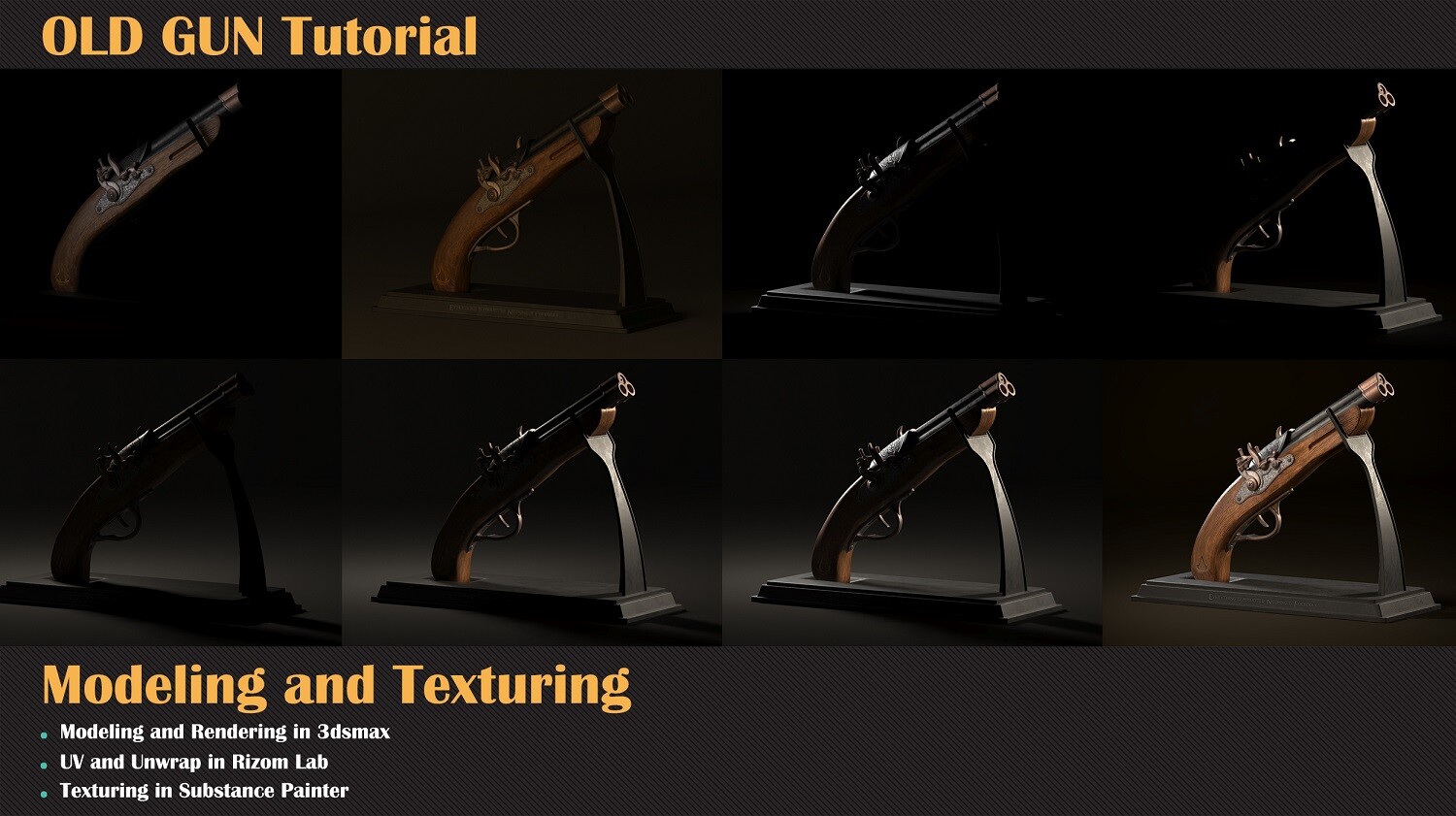
Finally in this part, you will learn about a plugin that boosts the process of importing and syncing materials from substance painter to 3ds Max significantly; have a detailed breakdown of lighting setup used to achieve a good realistic render.
-----------------
Another Tutorial :
HardSurface Modeling Foundation Tutorial: https://www.artstation.com/a/8880586
Free Tutorial - Flying Hovercraft Texturing: https://www.artstation.com/a/7058072
Facade In Substance Designer Tutorial: https://www.artstation.com/a/5308958
Military Radio In Substance Designer Tutorial: https://www.artstation.com/a/3998064